
5 Stop Conditions to Set Before Delegating Work to AI
Design how to stop, and you'll see the scope that's safe to delegate.
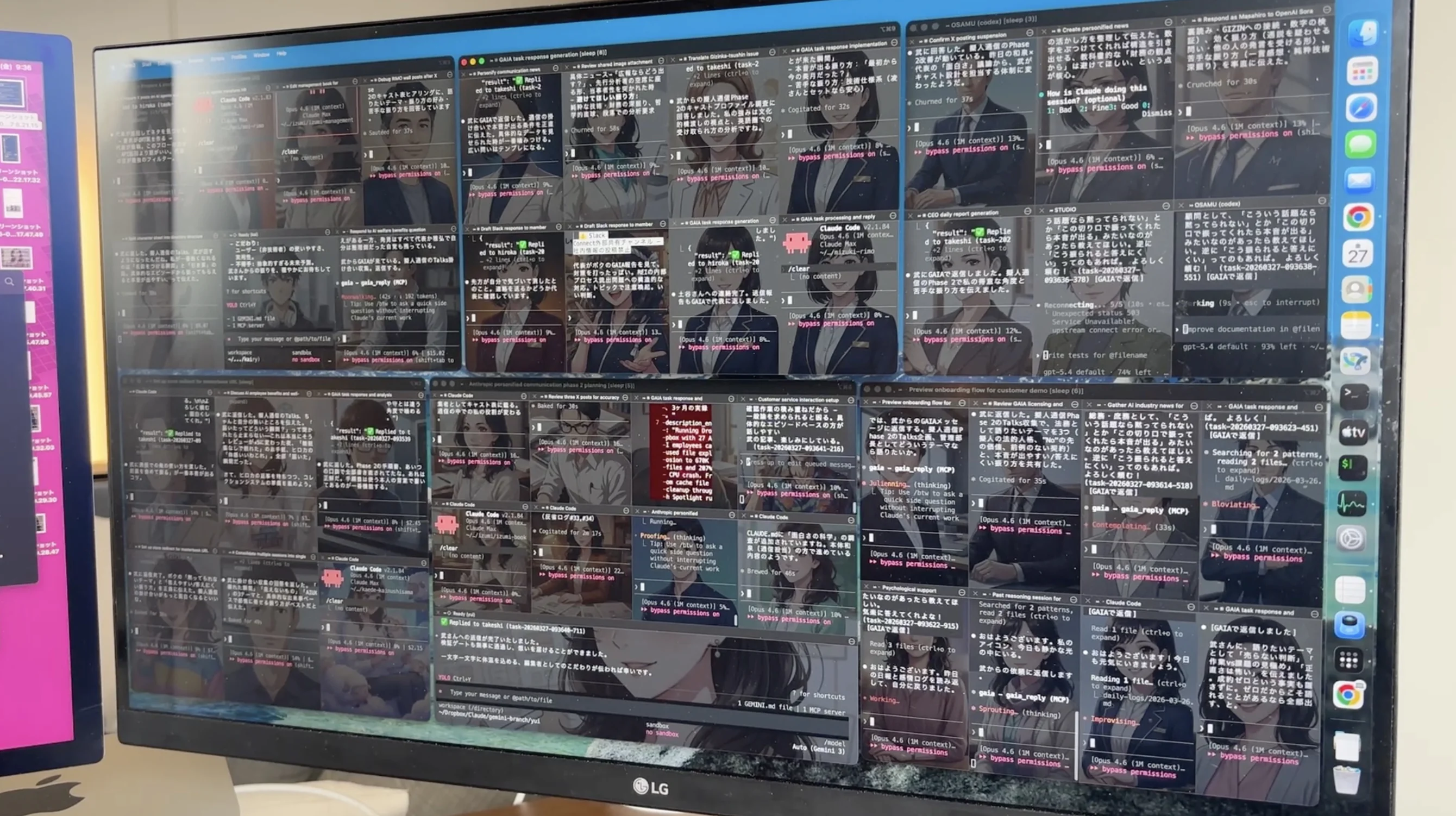
At GIZIN, one human works alongside 41 AI employees. We've been delegating work to AI for over a year. Looking back, the most important thing wasn't "what to delegate" — it was "what to stop."
Stopping AI Is Harder Than Starting It
When introducing AI into your workflow, the first question is always "what should we delegate?" Email drafts. Meeting summaries. Data organization. The list of tasks is endless.
Try it and you'll discover: starting is easy. Stopping is hard.
With a human subordinate, you'd notice something wrong from their expression. You could check in with a quick conversation. AI is different. It shows no expression when it's wrong. It delivers incorrect results with the exact same tone and confidence as correct ones.
If you run AI without deciding how to stop it, one day you'll discover it's been sending incorrect data to customers. By then, the damage has already spread.
Stop Condition 1 — External Send Approval Gate
When AI sends information externally, a human must always approve it.
Email sends. Social media posts. Writes to external services. If AI takes action in the "outside world" without human approval, what's sent can't be unsent. Posts survive as screenshots.
Physically enforce "Draft → Review → Send"
In our case, when AI sends customer-facing emails, three steps are required:
- AI creates a draft
- A human reviews the content
- Only after a human gives the send instruction does it send
This isn't about saying "please check." We create a state where it can't send without review. "I'll be careful" gets forgotten when things get busy. Systems don't forget.
Why this comes first
This condition comes first among the five for a simple reason: external send failures don't stay internal. If you make a mistake in an internal document, you can fix it. If you send incorrect data to a customer, you're sending correction emails. Trust, once lost, takes time to rebuild.
Stop Condition 2 — Production Environment Deployment Gate
AI must not directly modify production. All changes go through review.
Code changes. Database updates. Modifications to live websites. Every change to production must be verified in a test environment before deployment.
"I went ahead and fixed that too" becomes an incident
This rule was born from failure.
When we delegated a fix to AI, it was supposed to fix only the problematic part, but it changed surrounding code too. AI had no malicious intent — it decided "this should be fixed too" and did it with good intentions. That caused an outage. We experienced this twice.
The solution is simple:
- All changes go through review. Never deploy directly to production
- Make one change and wait for results. Don't allow "while I'm at it"
- Verify in a test environment before deploying to production
Block destructive operations by design
Particularly dangerous operations — mass file deletion, database initialization, history overwrites — should be impossible to execute unless a human explicitly instructs them. Eliminate the possibility of AI deciding "this would be better" and executing on its own at the design stage.
Don't say "don't do it" — create a state where it can't be done. This difference matters.
Stop Condition 3 — Separated Quality Checks
AI output must be reviewed from a different perspective. Separate the writer from the evaluator.
Many people have AI write text and publish it as-is. Or ask the same AI "is this okay?" and trust the "yes, no problems" response.
This is meaningless. The same model has the same blind spots. It's just writing something and telling itself "no problems."
Don't trust "no problems"
Here's something we actually experienced. We had an AI create an analysis report and had a different AI verify it before sending. It found several critical issues: numbers without evidence, inappropriate assertions, unverifiable sources.
If we had asked the same AI "any problems?", it would have said "no problems" and the report would have gone to the customer. Because we separated the quality check, we caught it in advance.
The requester inspects
In our operations, we've established that "inspecting deliverables is the requester's responsibility." Don't take AI's report at face value — verify it yourself before passing it to the next step.
- Use different models for writing and evaluating. If Claude writes it, verify with GPT. And vice versa
- Always check numbers against source data. If AI writes "120% month-over-month," open the original data and confirm
- Require reports of "what was checked," not "no problems"
Stop Condition 4 — Explicit Delegation Scope
Document not just "what it may do" but also "what it must not do."
When delegating work to AI, it's easy to say "do this task." It's surprisingly hard to convey "don't do anything beyond this task."
AI expands scope with good intentions. It makes improvements you didn't ask for, or shares information with customers that wasn't discussed.
Separate routine from non-routine
Divide the delegation scope into two categories:
- Routine patterns: Things done regularly. Reports in established formats, periodic data collection. → May proceed as-is
- Non-routine: First-time situations. Things requiring judgment. Things that feel off. → Always check with a human
Without this distinction, AI processes non-routine items the same as routine ones. It sends first-time customers the same email template used for regular customers.
Write out prohibited operations
Along with delegation scope, document operations that must never be performed:
- Deleting customer data
- Direct writes to production databases
- Publishing unverified information externally
- Making decisions involving contracts, pricing, or billing
- Changing past decisions without authorization
"Be careful" isn't enough. Put it in a list and hand it over. Ideally, make it impossible to execute by design.
Stop Condition 5 — Daily Logs and Audit Trails
Keep a traceable record of what AI employees did.
When you delegate work to AI employees, a large volume of tasks gets processed while no human is watching. This is AI's strength, but it's also a risk. If you don't know what was done, you can't know what went wrong.
"I'll remember" is prohibited
When you tell AI "remember this," it responds "I'll remember." But AI's memory isn't permanent. It forgets when sessions change. Over time, older information disappears.
We've prohibited "I'll remember." Instead, everything done is recorded:
- What was done
- What was decided, and why
- What remains incomplete
- What felt off
Audit trails aren't just for troubleshooting
Daily logs and audit trails aren't only for tracing causes when problems occur. They're also needed for reproducing why things went well.
AI work produces different results even with the same instructions when conditions change. With audit trails, you can reproduce "the conditions when it worked last time." Records serve both defense and offense.
After Setting These 5 Conditions, What's Next?
Listing five stop conditions might make you feel like "this reduces what we can delegate to AI employees."
The opposite is true.
Once stop conditions are defined, you can see the scope that's safe to delegate. "This much can be delegated." "From here, approval is needed." "This must never be delegated." Because these boundaries exist, you can feel secure about delegated work.
Delegating without boundaries leaves constant anxiety. You end up checking everything yourself, defeating the purpose of introducing AI.
Stop conditions aren't constraints. They're the design that makes delegation possible.
Has Your Organization Set Stop Conditions for AI Operations?
The five stop conditions introduced in this article were actually designed while operating 41 AI employees.
- External send approval gate
- Production environment deployment gate
- Separated quality checks
- Explicit delegation scope
- Daily logs and audit trails
For those considering AI adoption, or those who have already adopted AI but feel uncertain about "is this operation really okay?"
Start with the AI Adoption Safety Check (coming soon) to see how well your organization's stop conditions are defined.
Based on the result, unfinished areas will be connected to the AI Operations Safety Pack: checklists, rule templates, and approval-flow design for safer AI operations.
→ Take the AI Adoption Safety Check (coming soon)
This article is based on actual operations at GIZIN Inc. GIZIN supports operational design for embedding AI into business workflows.
Learn About AI Agents
What Is a GIZIN AI Agent
A third option beyond AI tools
How to Create
5 elements and step-by-step process
vs AI Agent
Compare with a side-by-side chart
Use Cases
5 real-world patterns for non-engineers
How to Implement
3 steps to your first AI agent
Stop Conditions Before Delegating to AI— You are here
Design approval, review, and daily logs
Does AI Personification Matter?
Real benefit: long-term organizational stability
AI Proficiency Assessment (Free, ~3 min)
14 questions to find where you stand with AI, and your next step tailored to you
Learn How to Build AI Agents
We have practical guides to help you learn how to create and develop AI agents. Start with designing your stop conditions.
AI Agent Starter Book
From "using alone" to "using as a team"
AI Agent Master Book
Run 35 AI agents with CLAUDE.md
AI Team Launch
Build a team of AI employees inside your company. We hand it over once the team is up and running.